Moises — the responsive session player
What Moises is, where it genuinely earns its place around Logic, and where the rest of this section takes you.
The concept in one line
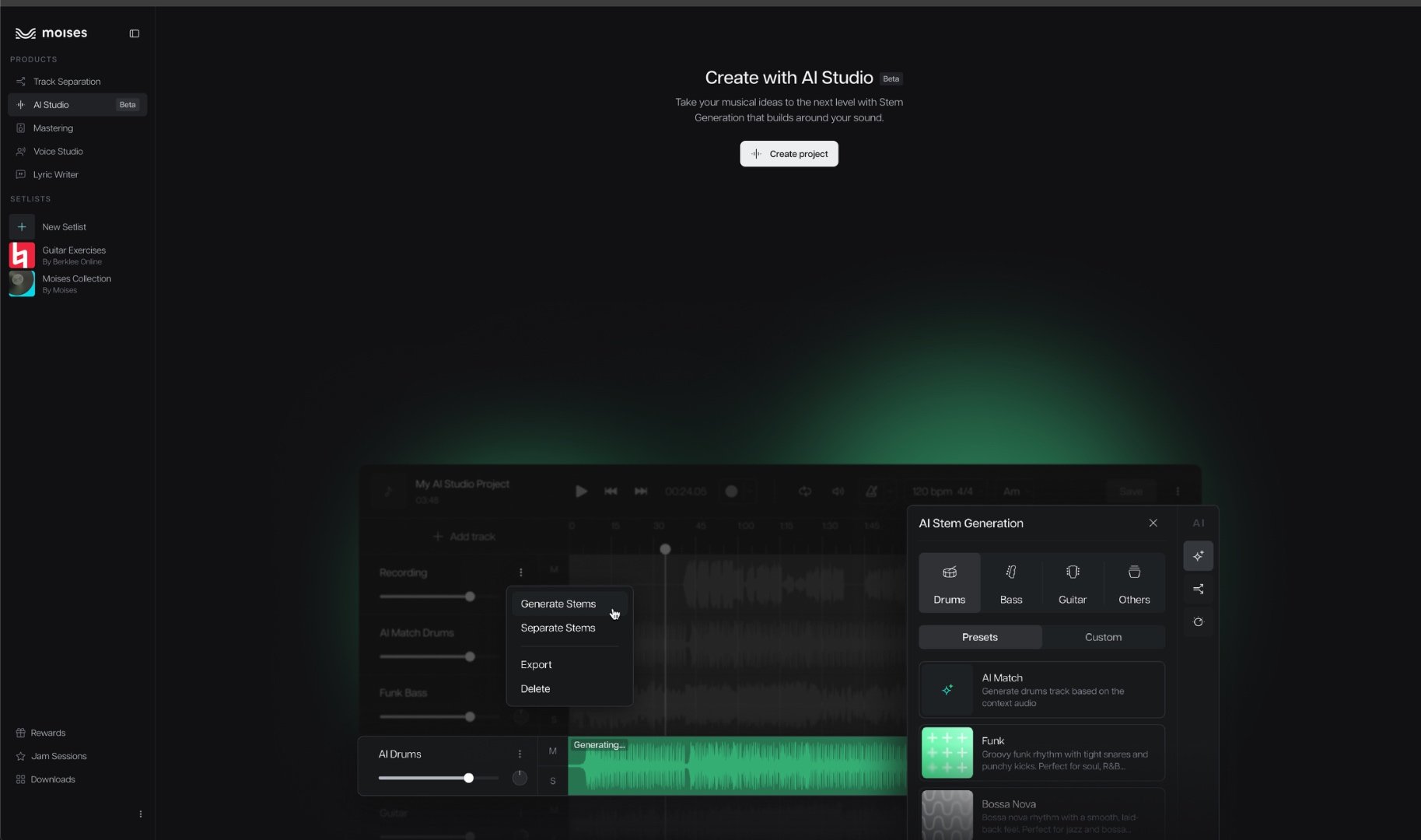
SUNO invents the musical world from a prompt. Moises doesn't invent anything — it listens to audio you already have (a SUNO bounce, a Logic sketch, a recorded riff) and generates or isolates individual instrument parts that lock to that material's tempo, harmony, and groove. It behaves like a responsive session player reacting to what's already on the table, not a composer inventing a record from nothing. Logic remains the place where everything actually gets finished.
What Moises is good at
Finer than your DAW goes
Lead/background vocal splits, individual drum components (kick, snare, toms, hi-hat, cymbals), and guitar subcategories — breakdowns beyond what Logic's own Stem Splitter offers.
Parts that listen
The one capability nothing else in this chain has: generate a new part that reacts to your existing audio — a bass line that locks to the drums you already have, not one invented in a vacuum.
A clean path into Logic
Stems come back into Logic by export/import — or straight through the Stems plugin on Pro — where comping, mixing, and mastering stay exactly where they belong.
The one thing to know before your first session
Key, pitch, and speed changes silently do not carry into exported Separated Tracks — only the Audio Mix export bakes them in. There's no error and no warning, and you may not notice until nothing lines up harmonically in Logic. The Export Gotcha page covers the rule and the workaround — read it before your first real session.
In this section
- Getting Started — the three products under one subscription, what Pro unlocks, and installing the Stems plugin in Logic.
- Separation & Generation — the instrument matrix, the gotchas, and context-aware generation in one place.
- Export Gotcha — the silent export rule that will burn you if you don't know it going in.
- Voice & Mastering — Voice Studio, the AI mastering pass, and how Moises compares to the alternatives.